Hooq help centre

Worklogs
The Worklogs tab controls whether logged time is copied and how the copy looks. It is off until you choose a mode.
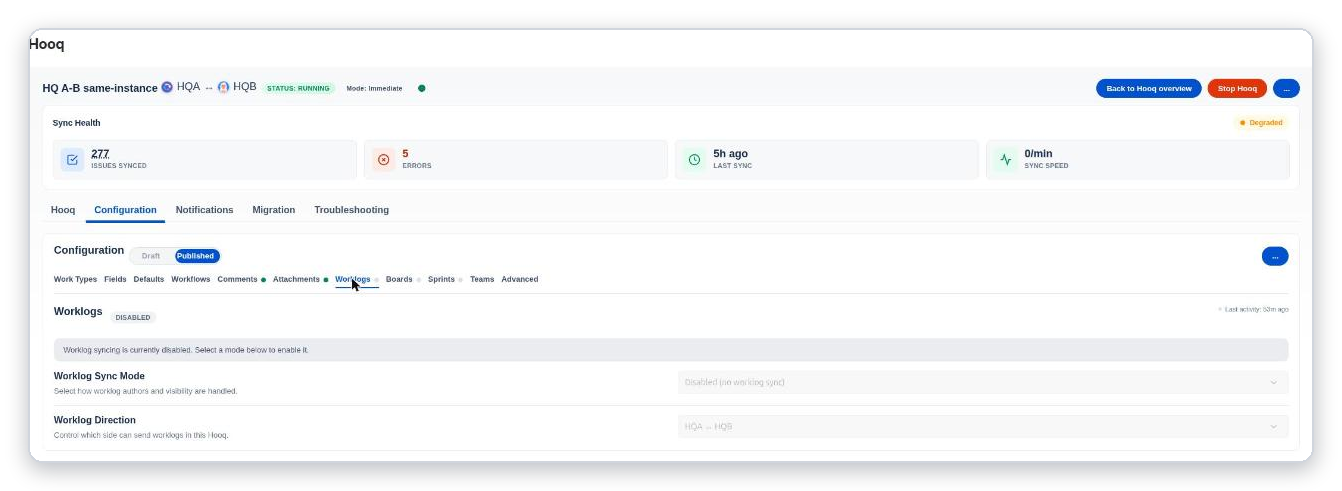
The Worklogs tab while you edit a draft, with the Worklog Sync Mode list open: Disabled, Anonymous and Enriched. A grey banner says worklog syncing is disabled until you select a mode.
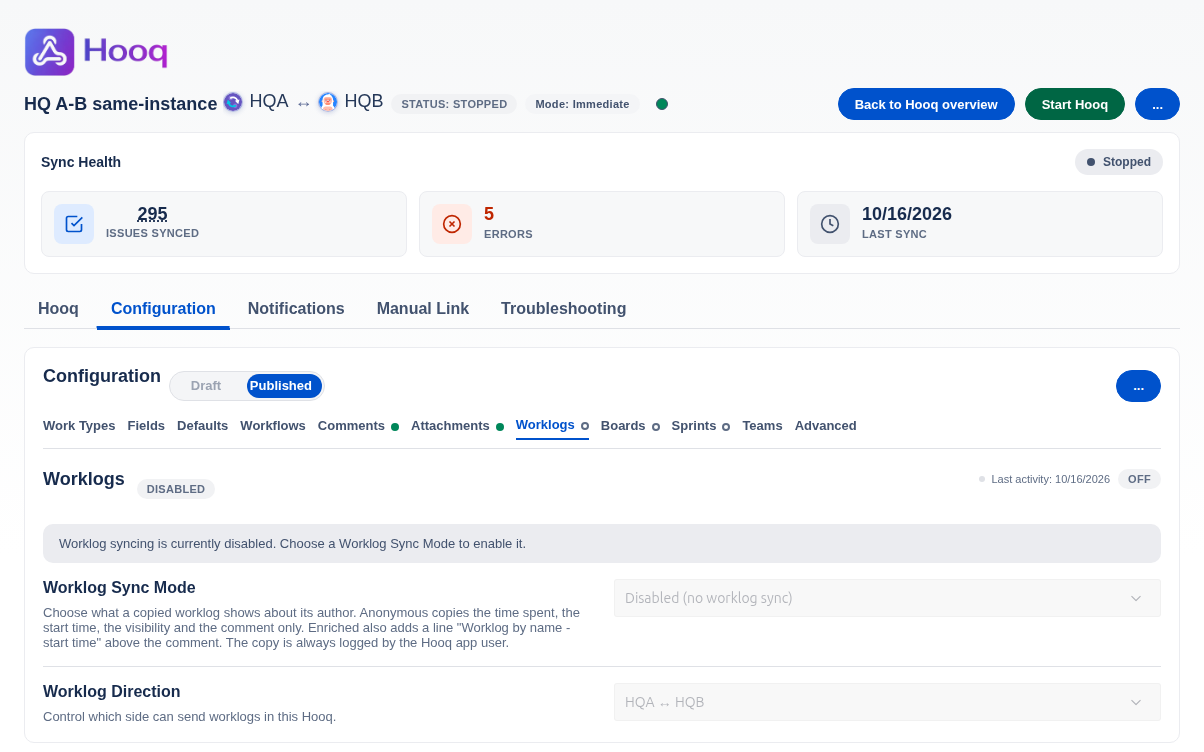
The Worklogs tab in the Published view.
Settings
| Setting | Choices |
|---|---|
| Worklog Sync Mode (how authors and visibility are handled) | Disabled, Anonymous or Enriched. See the three modes below. |
| Worklog Direction | Which side can send worklogs: both ways or one way. |
The three modes
- Disabled: no worklogs are copied.
- Anonymous: the copy has the time spent, the start time, the visibility and the comment of the original worklog. It says nothing about who logged the time.
- Enriched: the same, and the comment of the copy starts with an italic line such as Worklog by Developer – Oct 17, 2026, 6:52 PM. The time in the line is shown in UTC.
In every mode the copy is logged by Hooq, not by the person who logged the original, because a worklog cannot be logged on behalf of another person.
What is copied
- A new worklog on a work item that has a copy is copied, in the direction you set.
- When someone edits a worklog, the edit is not synced: the copy does not change and no second worklog is added.
- Deleting a worklog is not copied.
- A worklog that Hooq copied is never copied back, so the two sides do not keep sending the same time to each other.
- A Resync does not send worklogs.
- Existing worklogs can be copied when the Hooq starts: see Limit by Filter in Work types.
- Good to know: if one work item has several worklogs that are identical in start time, time spent and comment, a filter pass between two instances can reduce them to one copy, whatever their age. Worklogs logged live are never skipped this way.
Restricted worklogs
A worklog that is restricted keeps its restriction on the copy. Hooq never makes a restricted worklog public.
- A worklog restricted to a project role is copied only when the Hooq user is a member of that role in the project of the original. If it is not, the worklog is not copied and nothing public is created. The Troubleshooting tab does not list it. To have it copied, ask a project administrator to add the user that Jira shows as the author of Hooq’s copies to that role.
The label at the top of the tab
A label at the top right shows Working when worklog sync is on and the Hooq is running, Stopped when it is on but the Hooq is not running, and Off when it is off. Last activity shows when the Hooq last synced anything (not only worklogs), or No activity yet.
Related pages
Related pages
Want to raise a ticket? Click here (opens in a new tab)