Hooq help centre

Overview
Hooq copies work between two Jira projects and keeps the copies up to date. Each pair of projects, together with the rules for how they are synced, is called a Hooq.
What a Hooq does
- When a work item is created in one project, Hooq creates a copy in the other project.
- When a mapped field changes, Hooq updates the copy.
- Hooq moves the copy through statuses that you match in the Workflows tab.
- Hooq copies new comments and attachments, including inline images and files shown inside descriptions and comments.
- Hooq shows the linked pair in a panel on every work item that is part of a Hooq.
Two kinds of Hooq
| Kind | What it connects | Needs a connector? |
|---|---|---|
| Same instance Hooq with another project on this instance | Two projects on the same Jira Cloud instance. | No |
| Cross instance Hooq with another Cloud instance | A project on this instance and a project on another Jira Cloud instance that also has Hooq installed. | Yes. See Connectors. |
Those two names are exactly what you see when you create a Hooq.
How you work with it
- Open Hooq from the Apps menu in Jira (Jira administrators manage Hooq; other people see a short note saying so). The ... menu next to New Hooq opens Getting Started, a short tour inside Hooq, and Connectors.
- For a Hooq between two different instances, create a connector first. See Connectors.
- Create a Hooq and choose its projects.
- Set up the tabs under Configuration: Work Types, Fields, Defaults, Workflows, Comments, Attachments and more.
- Publish the configuration, then start the Hooq.
- Use the Hooq - Work Sync Panel on any work item to see its partner, resync it, or send a comment or attachment. Every user can use the panel; only Jira administrators set up and manage Hooqs.
Getting Started in the app
Select ... next to New Hooq, then Getting Started. The page has a short introduction and Get started in three steps: Connect your instances, Create a Hooq and Review, publish and start. The buttons Configure Connector and Go to Hooq take you to the Connectors page and to the Hooq overview. Skip the first step for a single instance.
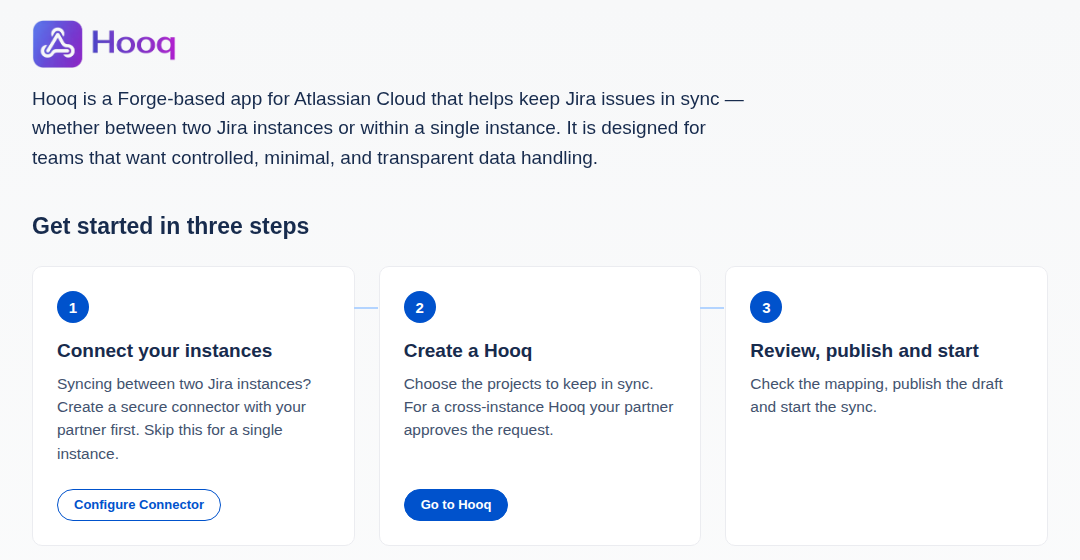
The top of the Getting Started page.
Below the steps, How Hooq fits into your Jira explains in six short cards how Hooq is built and delivered. Help and support links to the documentation (Read the documentation) and to the support portal (Open support portal). At the bottom are links to the Privacy Policy, the Trust Center and Status. Links to other websites open in a new browser tab, and Jira may ask you to confirm first.
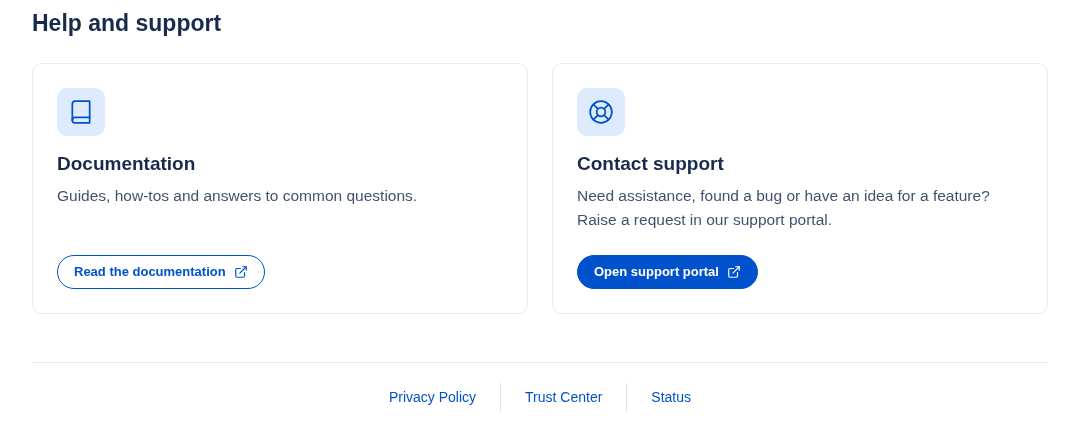
Help and support, and the links at the bottom of the Getting Started page.
Things Hooq never does
- Hooq never deletes the copy of a work item when you delete the original work item. It marks the pair as no longer Hooqed instead.
- Hooq never sets itself as the assignee of a work item.
Related pages
Choosing a sync app? See the 57 questions to ask any Jira to Jira sync app and Jira to Jira sync apps compared.
Want to raise a ticket? Click here (opens in a new tab)