Hooq help centre

Teams
The Teams tab matches teams of project A to teams of project B. When a synced work item gets a team, the matching team is set on the copy automatically.
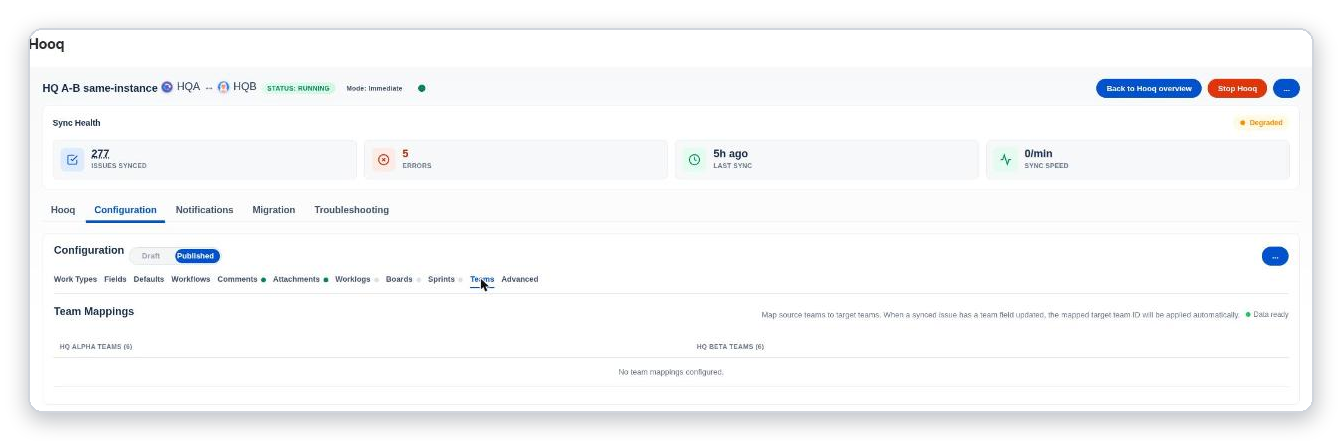
The Teams tab. Each side shows how many teams were found; the table lists your pairs.
Until you add pairs, the table reads No team mappings configured.
Team mapping applies when a Team field is also mapped on the Fields tab.
Related pages
Want to raise a ticket? Click here (opens in a new tab)