

My requests and All requests, how to search them, and how to move between pages.
Views
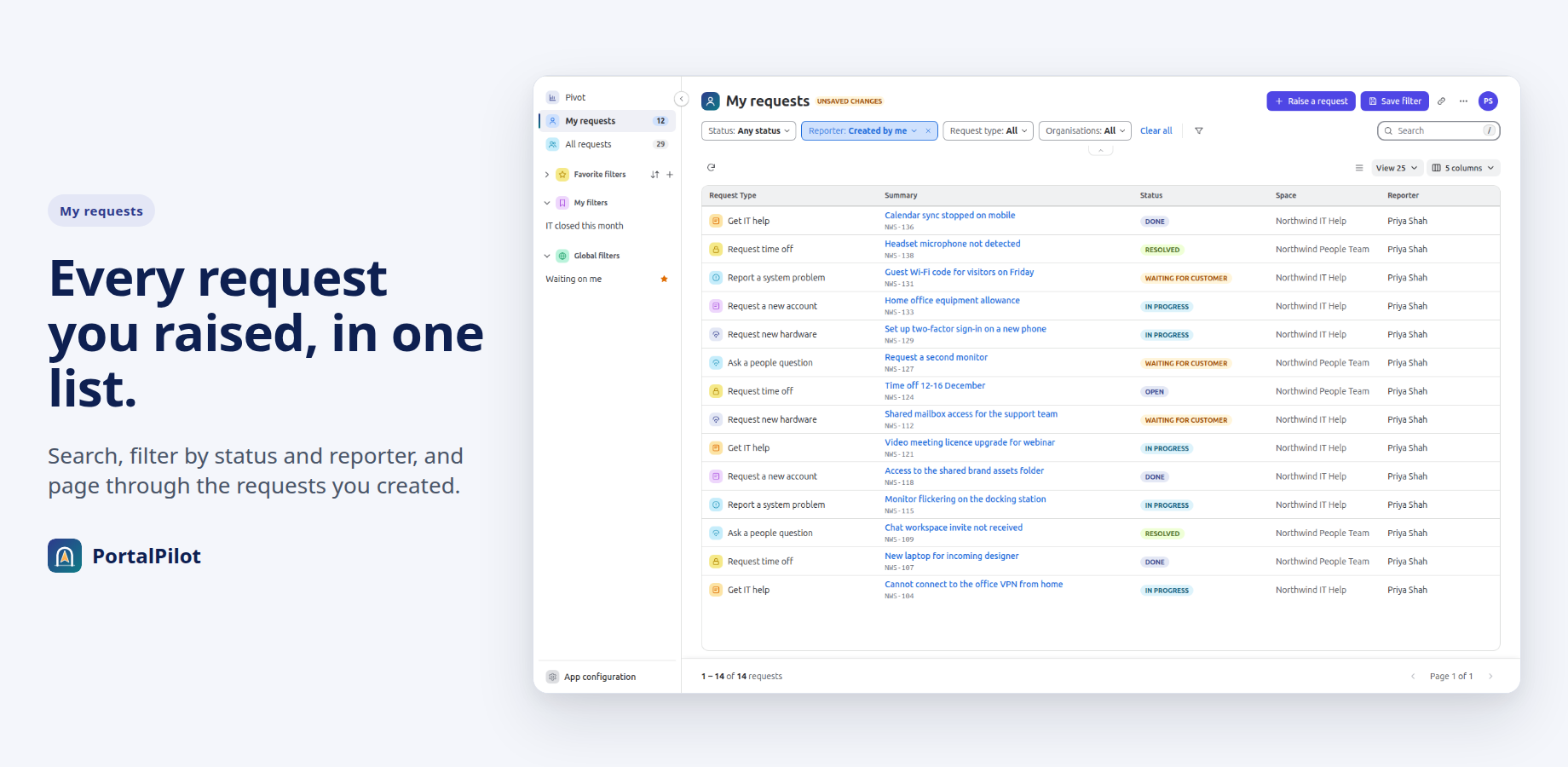
- My requests: the requests you created.
- All requests: every request you may see on the portal.
The count beside each view follows the Status filter. Your admin can hide the counts.
Status and Reporter
- Open the Status filter and choose Open requests or Closed requests. Choose neither for Any status.
- Open the Reporter filter to choose who created the requests: Created by me, Where I am a participant, or Shared with my organisations.
Search
Type in the Search box and press Enter. Search matches the request summary, and a request key such as ABC-123 finds that request. Press / to jump to the box. Clear the box to see the full list again.
Pages
The foot of the list shows which rows you can see, for example “1 – 12 of 12 requests”, and the page you are on. Use the arrows to move between pages. If your admin hides totals, the foot shows the rows without the total.
Related pages
Need help with PortalPilot? Contact us