

Choose a request type you may raise, and open Jira’s own create form.
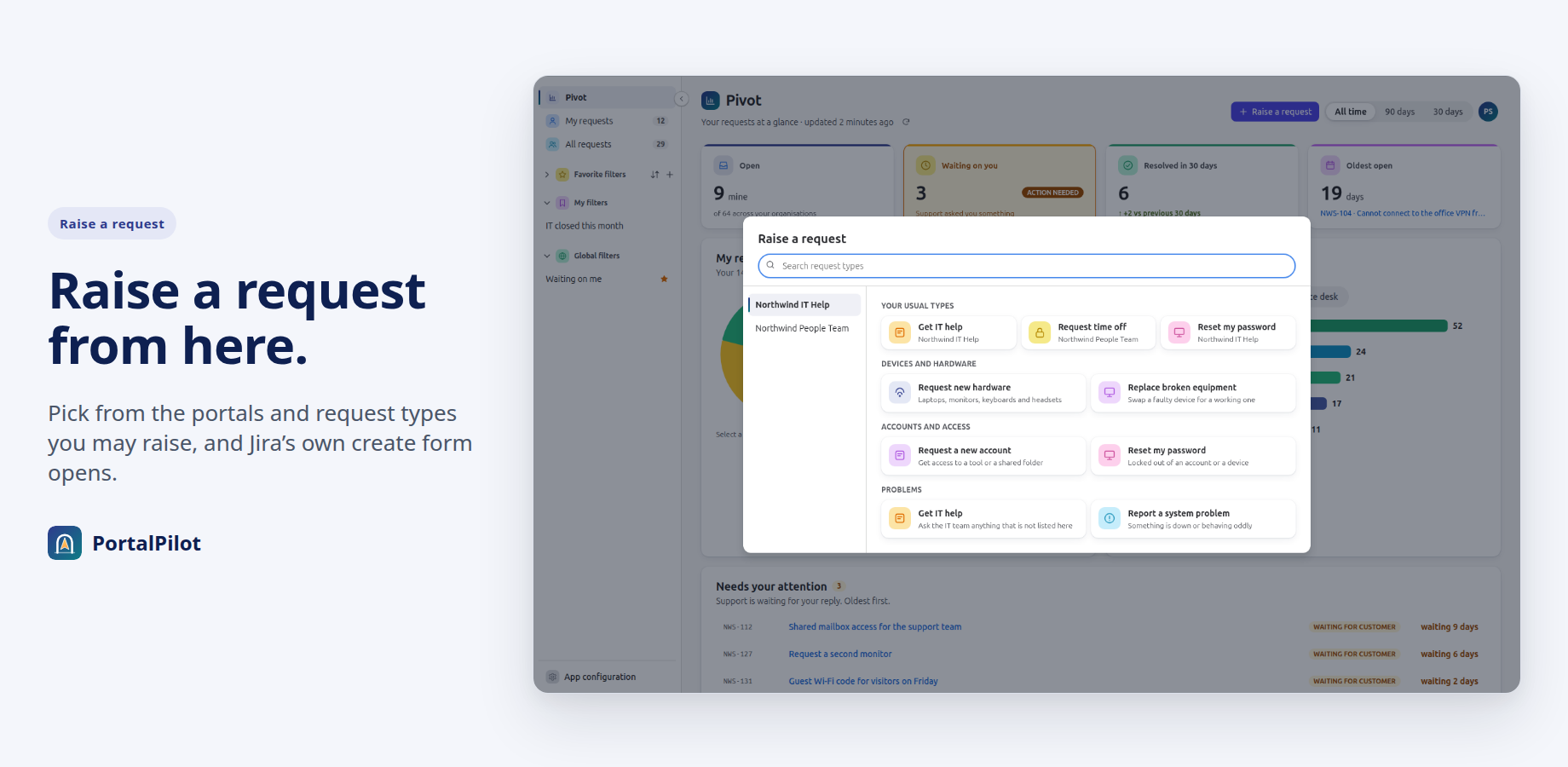
- Select Raise a request in the header of Pivot or of a list.
- In the dialog, choose a request type. Only the portals and request types you may raise are listed. Use the search box to find one.
- Jira’s own create form opens for that request type. Fill it in there.
Good to know
- If you may raise requests on more than one portal, the portals are listed in the left column. Each portal’s request types are grouped under headings.
- Your usual types shows up to six of the types you use most.
- Raise a request appears only when there is at least one request type you may raise.
- PortalPilot does not create the request itself. The form is Jira’s.
Related pages
Need help with PortalPilot? Contact us