

Change the order, the number of rows and which columns show.
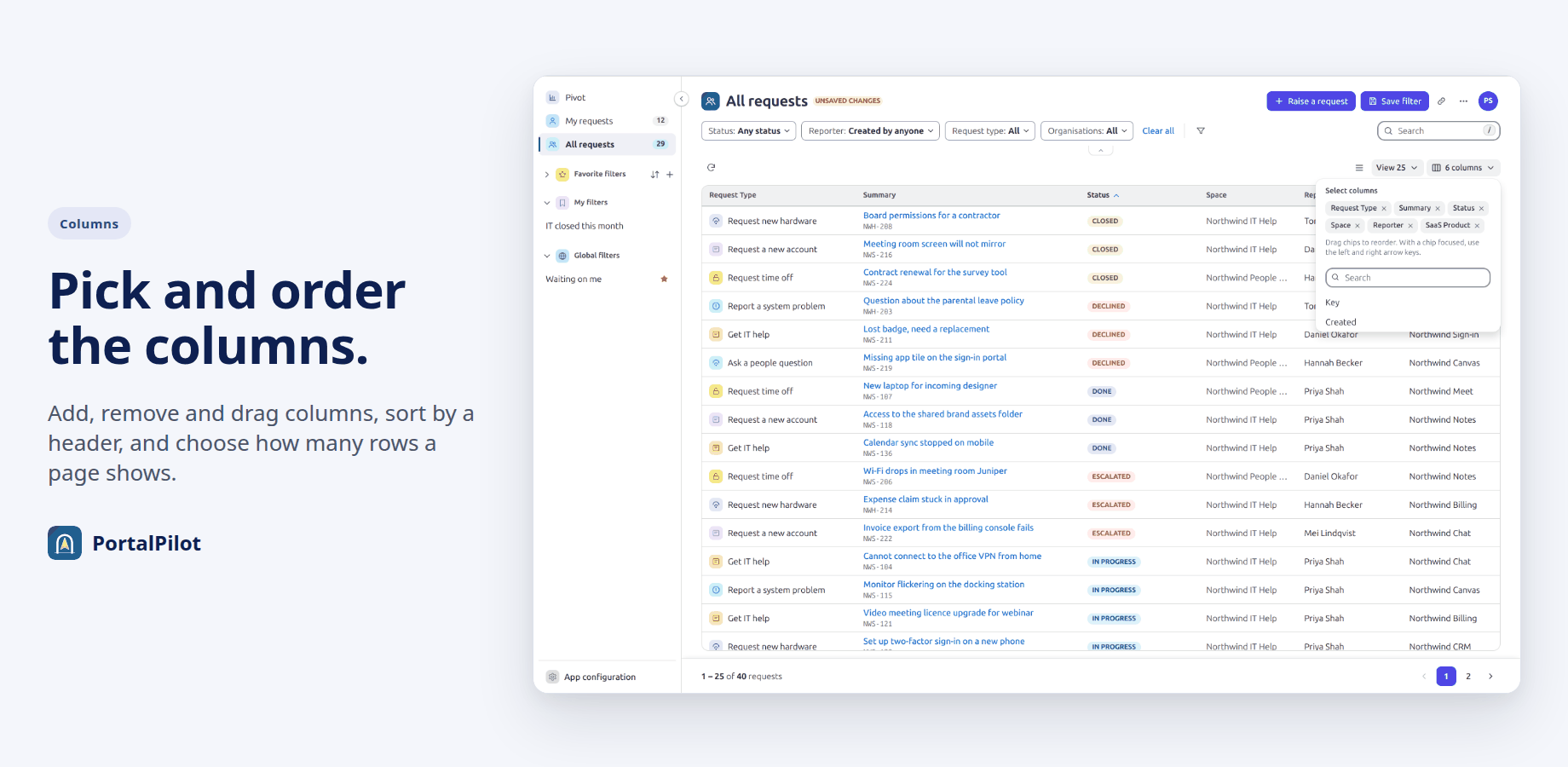
- Sort: select the Summary or Status column header. Select again for descending, and a third time to remove the sort.
- Page size: 25, 50, 75 or 100 rows.
- Columns: Request Type, Summary, Status, Space and Reporter by default. Key, Created and the custom fields your admin offers as columns can be added. Drag a column, or use the arrow keys on it, to reorder.
- Refresh reads the list again. The row button switches between compact and comfortable rows.
Your admin can rename built-in columns or switch them off.
Related pages
Need help with PortalPilot? Contact us