

SmartDash is an app for Jira Cloud and Jira Service Management. It shows your work as charts, lists, time in status and calendars, read live from Jira as the person looking, so everyone sees only what Jira lets them see.
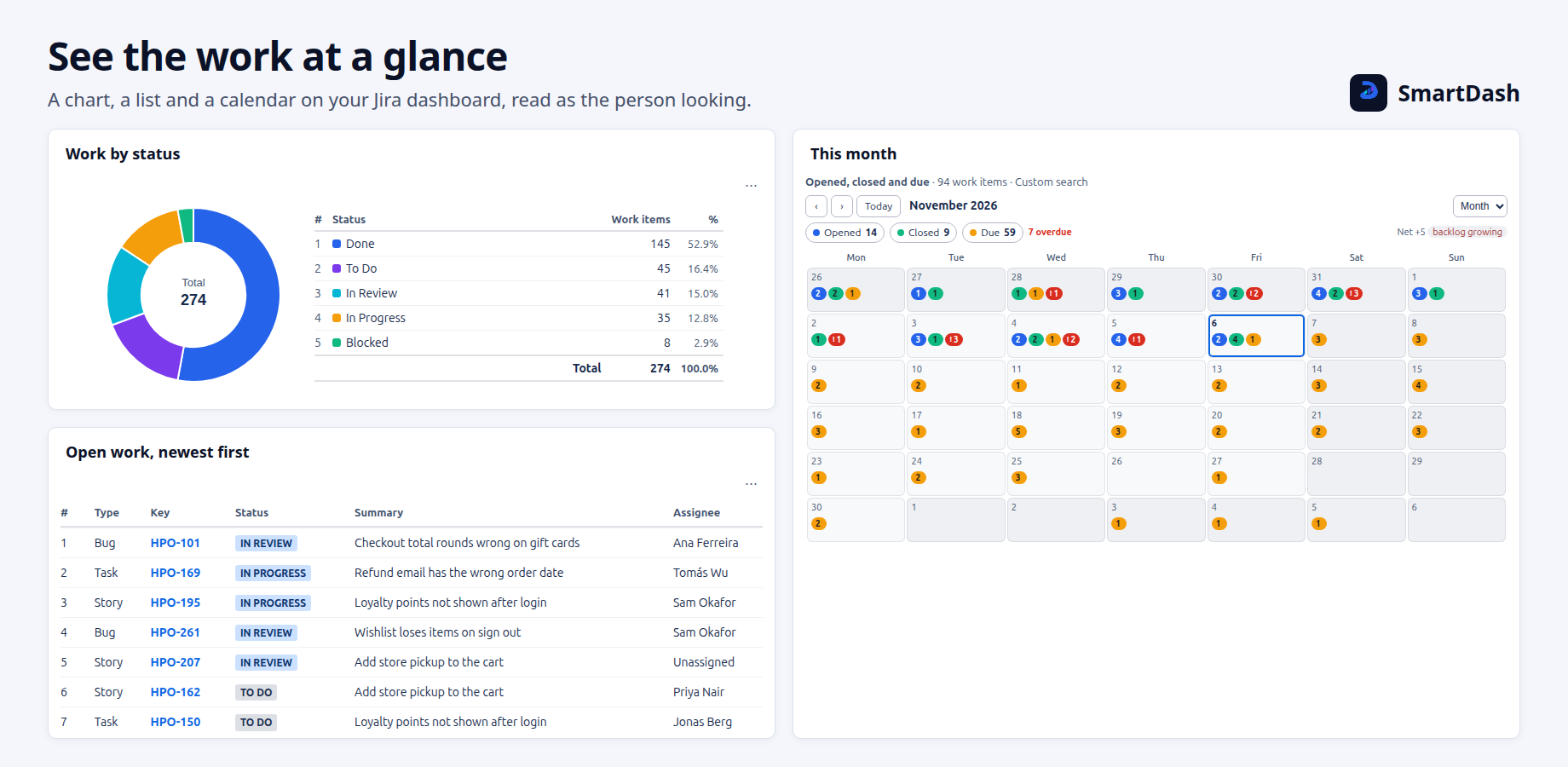
Two editions in one app
SmartDash has two editions. They are one app, and your edition decides what shows.
| Edition | What you get |
|---|---|
| Standard | Five widgets for Jira's own dashboards, classic and new: Filters, Chart, List, Time in Status and Calendar. A settings page for Jira admins. |
| Advanced | Everything in Standard, plus SmartDash dashboards made of SmartWids, My view pages for 11 roles, sprint burndown and burnup, AI help hosted by Atlassian, and Rovo. |
Words used in this help
- Widget: one of the five SmartDash pieces you add to a Jira dashboard. On a classic Jira dashboard it is a gadget; on Jira's new dashboards it is a widget. Both have the same settings.
- SmartDash dashboard, or a SmartDash: a dashboard made inside the SmartDash app (Advanced).
- SmartWid: one widget on a SmartDash dashboard, such as a number, a bar chart or a list. SmartWids show only on a SmartDash dashboard, never on a Jira dashboard.
- My view: the page that opens on the questions your job asks (Advanced).
Every other word is in the Glossary.
Who it is for
- Viewers: anyone who wants to see a team's numbers, a sprint, a queue or a release.
- Dashboard owners: team leads, scrum masters, service managers and project managers who set up widgets or make SmartDash dashboards.
- Jira site admins: people who choose the site settings, the sharing rules and how old dashboards are archived.
You do not need to know Jira Query Language (JQL). You can use it if you want to.
What SmartDash does not do
- It never changes your work items. It has no permission to create, edit, transition, comment on or delete work items, projects, fields, users or groups.
- It does not keep your work items on a server. It stores dashboard setups. Numbers and work items are read live from Jira each time they are shown.
- It does not show more than Jira lets you see. The one exception is Share project data, which a Jira admin or project admin must turn on, on purpose, for one SmartDash and one project. See Share a SmartDash.
- It sends nothing outside Atlassian. SmartDash runs entirely on Atlassian Forge and lists no outside address.
Next: Before you start, then Getting started.
Need help with SmartDash? Contact us