

Custom colours switch
“Allow authors to choose their own colours” is on by default. When it is off, every component uses the site brand colour, including components that already have a custom colour. Turn it back on and the custom colours return.
Approved presets
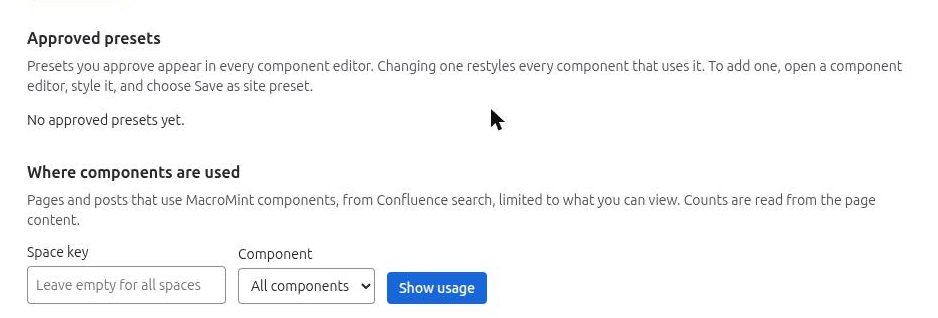
Approved presets appear in every component editor for all authors.
- Save. Open a component editor, style it, and choose “Save as site preset”. Give it a name of 1 to 40 characters. The component’s text stays out of it. A component type can have up to 15.
- Update. Update a preset’s style from a component, keeping the same name, and every component that uses it follows.
- Rename. Type a new name in the preset list and choose “Rename”.
- Delete. Choose “Delete”. Components that use it stay on their last style.
Admins keep the free style fields in the editor, so they can make presets. If two admins save at the same moment, the later save is refused with a clear message instead of overwriting the other.
Presets only
With “Authors may use presets only” on, authors can only choose a ready-made or approved preset. Components without a preset are shown in the default style. A callout’s tone (info, warning and so on) is meaning, not style, and is never limited.
Related pages
Need help with MacroMint? Contact us