

Start with MacroMint AI
MacroMint AI is a component of its own. Insert it, then type a sentence such as “Warn people to back up the space before they start”. MacroMint picks the right component and fills it in. You then edit it like any other. You can also skip the AI and choose a component yourself from the same screen.
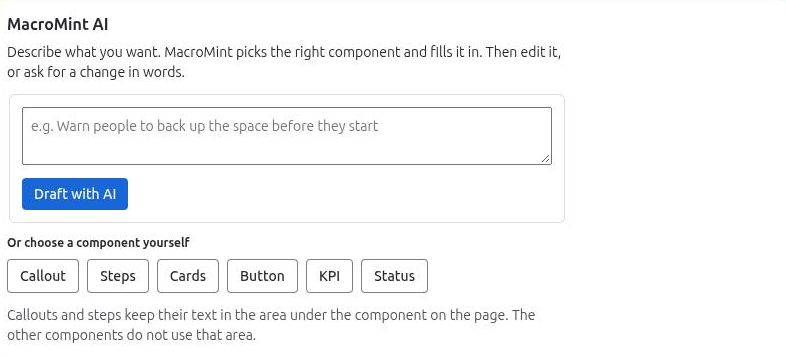
Change this one, or make a new one
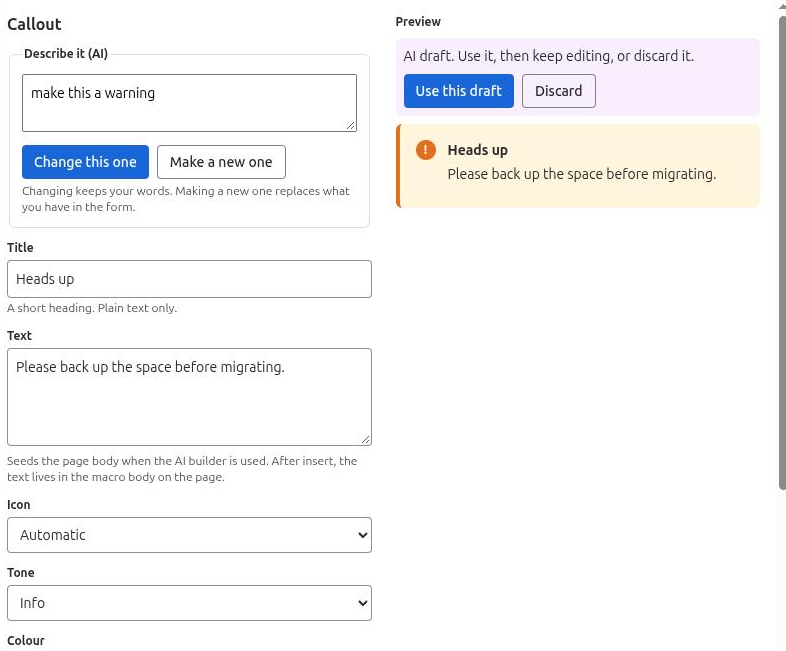
Every editor also has the AI box, Describe it (AI):
- Change this one restyles or converts what you have, for example “make this a warning”. It keeps your words.
- Make a new one replaces what is in the form with a new draft.
The AI gives you a draft with Use this draft and Discard. Nothing changes on the page until you use the draft and save.
What the AI sees
- the sentence you typed;
- the component’s own settings, without links or colours;
- the text in the component’s body, only if you tick “Let the AI read the text in this component’s body”. It is off by default, and only that component’s text is shared.
It does not see the rest of your page, other components, other pages, or your links and colours. The model is hosted by Atlassian. See the AI usage policy.
Your words are kept
If a change would drop any of your text, MacroMint refuses it and nothing changes: “That change would have dropped some of your text, so nothing was changed. Try asking in a different way.”
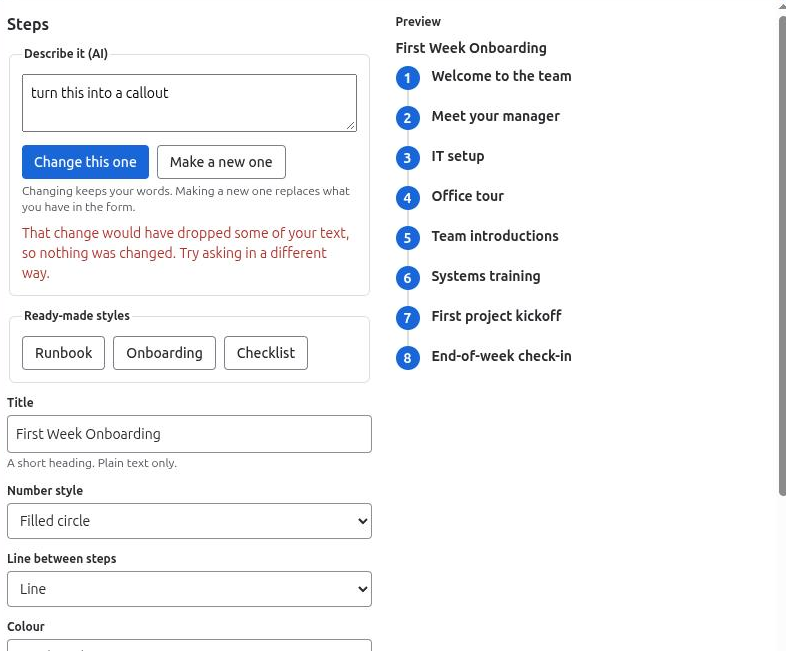
Conversions work within the same kind of component: Callout and Steps into each other, Cards, Button and KPI among themselves, and Status on its own.
Limits and the off switch
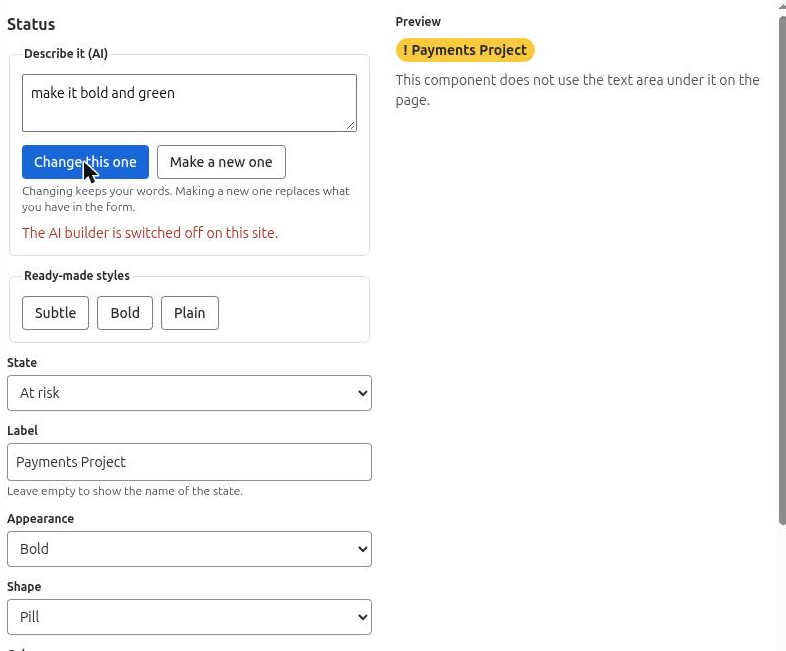
The AI helper allows 20 requests per person per day and 500 per site per month. When it is switched off, the start screen and every AI box say “The AI builder is switched off on this site.” and you can still build and style by hand. In this version the switch is an app setting held by Limbus Lab, not a control on the admin page.
Related pages
Need help with MacroMint? Contact us